Free, always
- Arabic for every supported game
- Every mod in today’s games
- Free boosts every day
- A game request every week
Qai Game Hub · for Windows
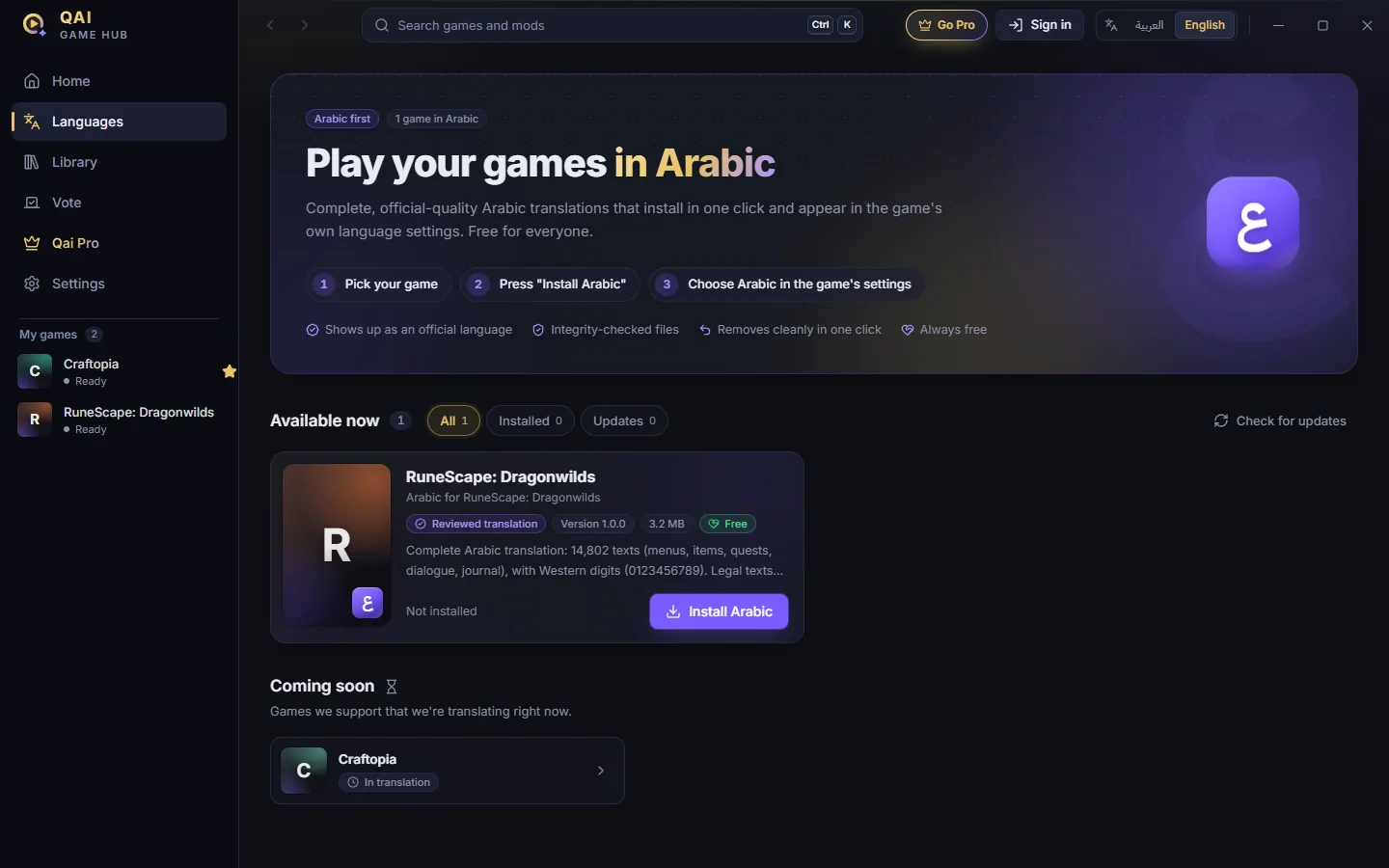
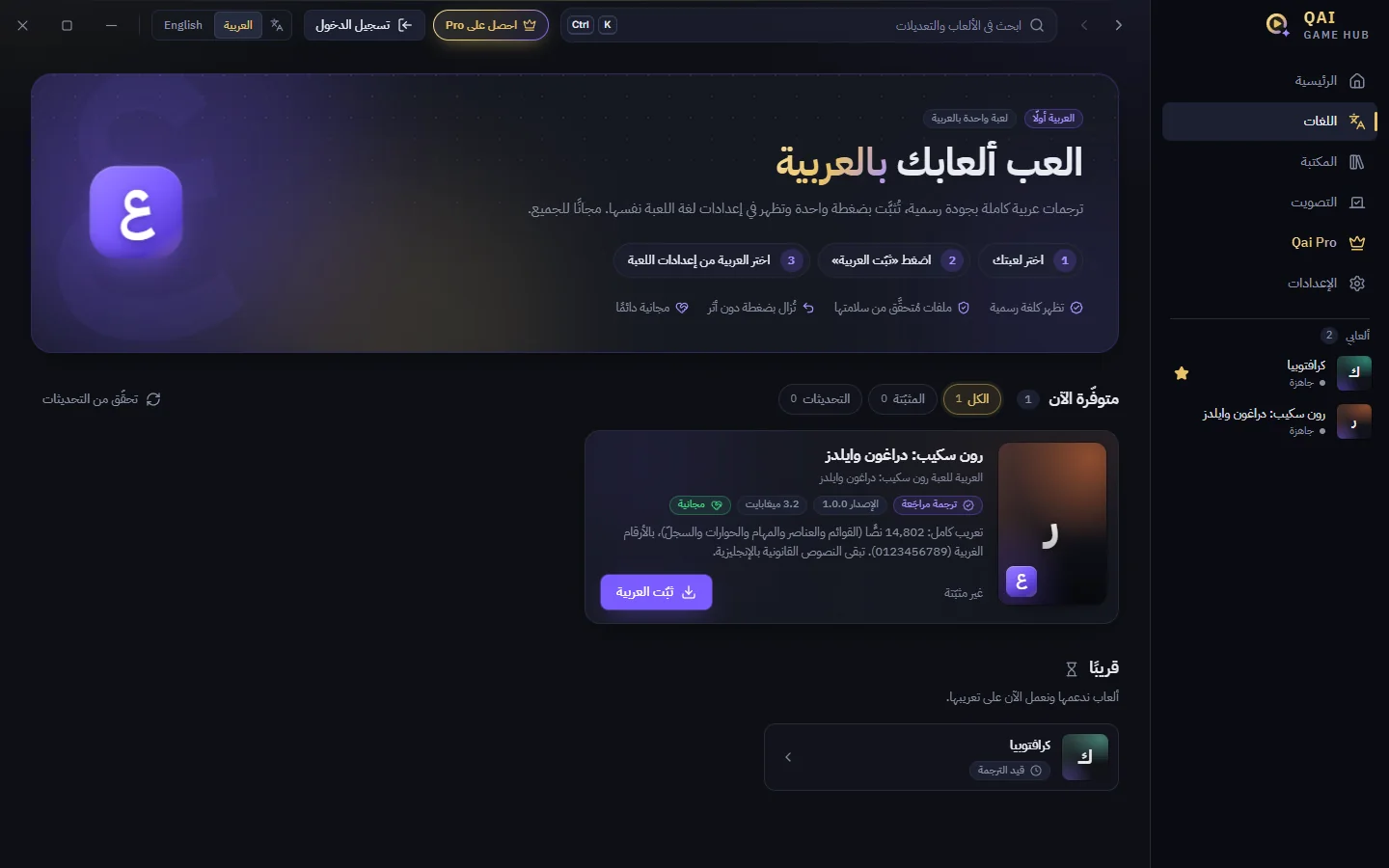
Complete Arabic translations that install in one click and appear in the game’s own language settings, like any official language. Then mods and maps, made for Arabic players.
Coming soon to Windows · Arabic is free, always
The app is new, so your browser and Windows may warn you before it runs: keep the file, then choose More info → Run anyway.
The mission
Qai Game closes that gap in two steps, starting on PC.
Complete translations of menus, items, quests, dialogue and journal, installed into the game and shown in its own language list.
Once the language is there: mods that help you play, interactive maps, and add-ons made for the Arabic-speaking community.
How it works
No files to copy, no folders to hunt for. Qai Game Hub finds your games, installs the translation, and checks every file.
Games
Each translation is reviewed and tested inside the game before it ships, and updated as the game changes.
Jagex
Pocketpair
Suggest any single-player PC game and vote for the ones you want. The most-wanted games are translated next.
Suggest a gameStep two · Mods
Switch on what you want, from god mode to unlimited stamina. Every mod is explained in Arabic and grouped by what it does, and our own add-ons run it inside the game.
330 mods across the first two games
Press F8 in the game to open the full mod menu, in Arabic.
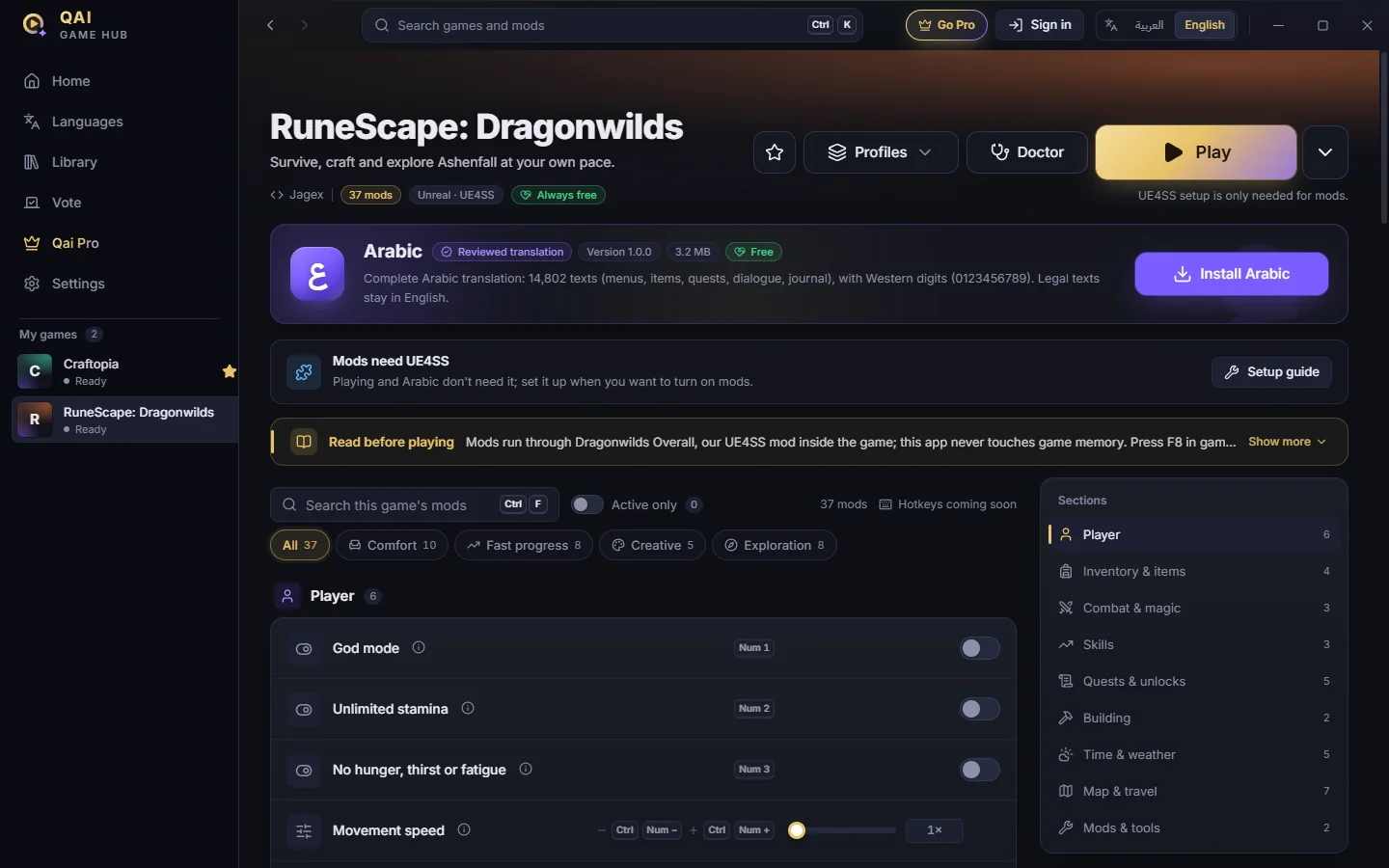
Player, inventory, combat, building, map and travel, with filters for how you play: comfort, fast progress, creative, exploration.
Save a setup under a name and switch between setups in one click.
Checks the game, the mod loader and the connection before you play, and tells you how to fix what’s wrong.
The next thing we’re building: interactive maps for the games you play.
Built to be safe
Mods run through our own add-ons inside the game. The app never reads or writes the game’s memory.
It installs and runs like any normal app.
Once they’re set up, mods run without an internet connection.
We build for single-player games, and stay out of online games and their anti-cheat.
Removing Arabic deletes its files and puts the game’s originals back.
Community
Suggest the games you want in Arabic and vote for them with boosts. The most-wanted games move to the front of the line.
Qai Pro
Arabic is free for everyone, and it will stay free. Pro is for players who want to back new translations and pick the next game themselves.
Prepaid: one payment that never renews by itself. Secure checkout with Ziina. Pricing at launch.
For studios
Our translations are built as complete, reviewable packages: every line, with notes from testing inside the game, ready for a studio to import and release as an official language. If you make games and want Arabic, talk to us.
FAQ
It’s coming to Windows soon. Get early access and we’ll tell you the moment it’s ready. Now, for Windows: use Download on this page. It installs for your account with no administrator prompt, and updates itself in the background.
Yes. Arabic is free for everyone, for every supported game, and it always will be. Qai Pro is optional.
Qai Game is for single-player games only. The app never reads or writes game memory and needs no administrator rights, and we stay out of online games and their anti-cheat.
Yes, in one click. Removing it puts the game’s original files back, and you can switch the game to its previous language at any time.
RuneScape: Dragonwilds first, with Craftopia in translation. You can suggest any single-player PC game, and the most-requested are translated next.
No. Qai Game’s translations and mods are unofficial and not affiliated with or endorsed by the game publishers. We also offer our translations to studios, so they can ship Arabic officially.
Qai Game Hub is coming to Windows. Send us a message and we’ll let you know the moment it’s ready.Download Qai Game Hub for Windows. It installs for your account with no administrator prompt, and Arabic is free.
The app is new, so your browser and Windows may warn you before it runs: keep the file, then choose More info → Run anyway.